Getting Your Emails Into the Inbox with DMARC
DMARC is one small setting that tells inbox providers your email is really yours, so it reaches the inbox, not spam. What it is and how to set it up.
Read guide →Step-by-step guides, plain-English deliverability know-how, and what we're shipping, written by the people building Sendable.
Point your domain's DMARC reports at Sendable once and see exactly who's sending under your name. Here's the whole setup, click by click.
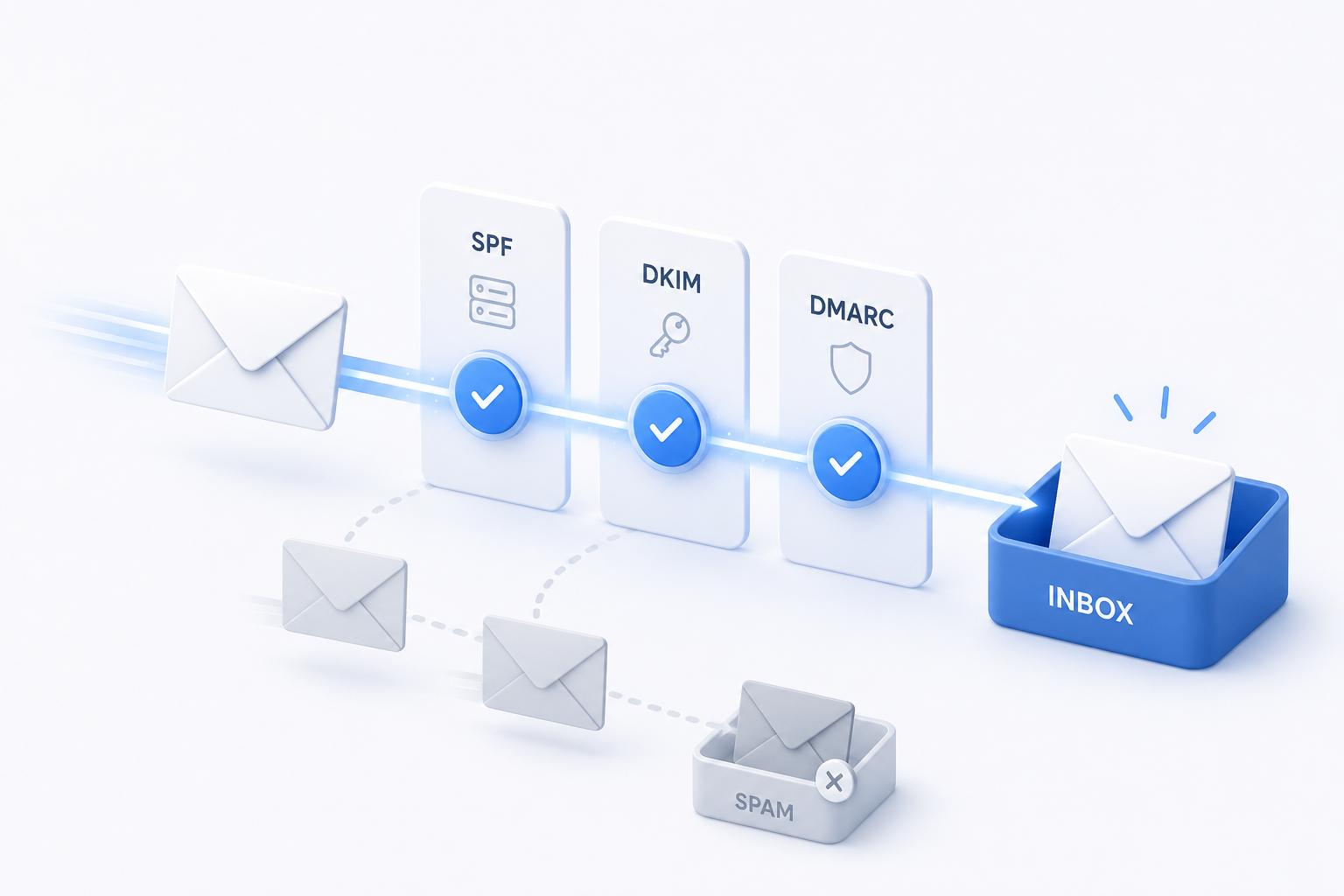
DMARC is one small setting that tells inbox providers your email is really yours, so it reaches the inbox, not spam. What it is and how to set it up.
Read guide →The fastest way to score a send: use your email tool's "test send" button and point it at your `+audit` alias.
Read guide →Your ESP says 99% delivered. So why are replies down? The gap between delivered and seen, explained.
Read post →The three records that prove your email is really from you. What each one does, why inboxes care, and how to set them up in plain English.
Read post →Paste rough notes, get a finished email in your voice, audited before you ever see it. Here's how it works.
Read post →Authentication, Hygiene, Copywriting, Engagement: what each category measures and how to lift it.
Read guide →Inbox providers keep raising the bar for bulk senders. Here's what changed, and what you actually need to do.
Read post →